Ready to grow together? This newsletter walks you through creating a simple, inviting landing page with a sign up form for your community garden. You will learn what to say, where to place it, and how to make neighbors excited to join, volunteer, and stay informed about events and harvests.
Start your landing page with a clear, friendly statement of purpose. Explain that the garden is a shared space for growing fresh food, learning, and connecting with neighbors. Highlight benefits such as workshops, shared harvests, kid friendly activities, and volunteer opportunities. Keep paragraphs short and welcoming so visitors quickly understand why joining your garden community matters.
Design A Simple, Trustworthy Sign Up Form
Place your sign up form high on the page, visible without scrolling. Ask only for essentials: name, email, and zip code. Optional fields can include interest areas like volunteering, learning to garden, or donating supplies. Add a brief privacy note about how you will use their information. Use a clear button label such as “Join The Garden Community.”
Use Photos And Stories To Inspire Action
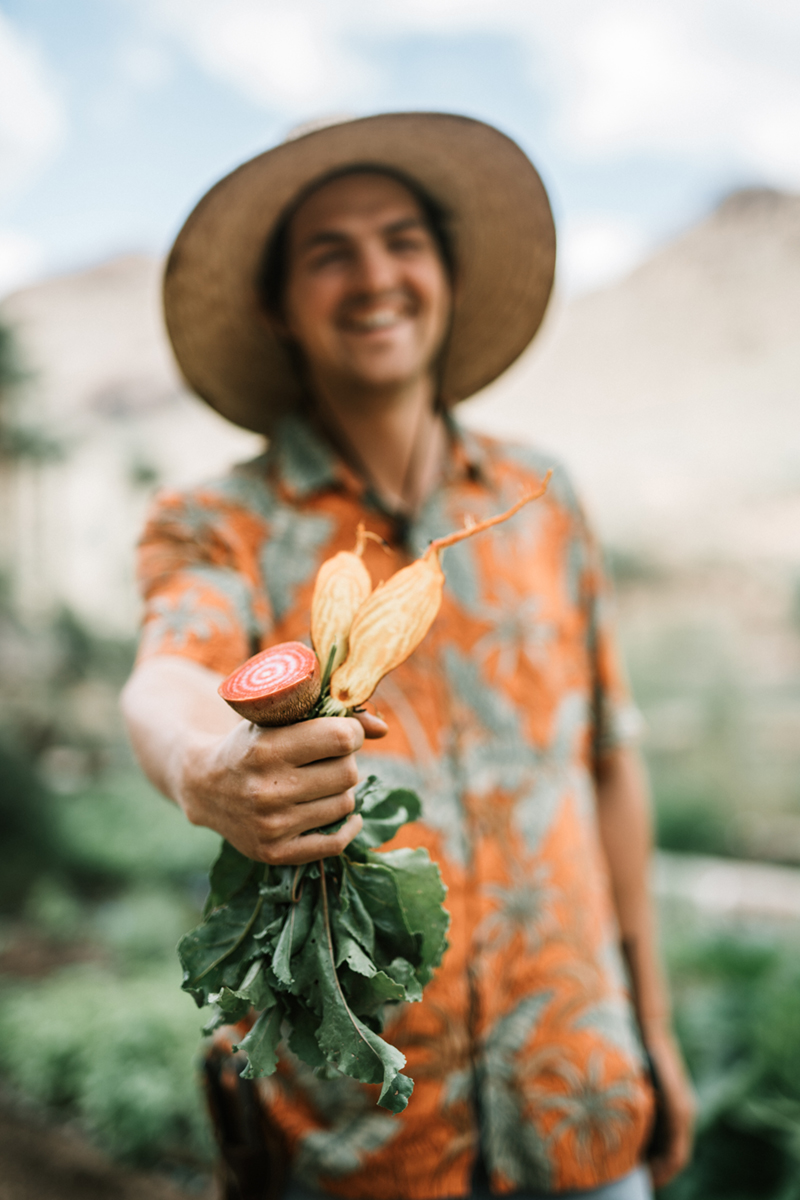
Add photos of raised beds, smiling volunteers, and seasonal harvests to bring your garden to life. Include a short story about how the garden started or a neighbor who benefited from participating. Visuals and stories help visitors imagine themselves in the space, making them more likely to sign up and share the page with friends.
Capture Events, Updates, And Volunteer Interest
Under the form, outline what subscribers will receive: planting days, workshops, potlucks, and volunteer calls. Add a simple calendar preview or upcoming event list. Include a short FAQ answering when the garden is open, how plots work, and whether beginners are welcome. Reassure visitors that all skill levels can participate and learn together.